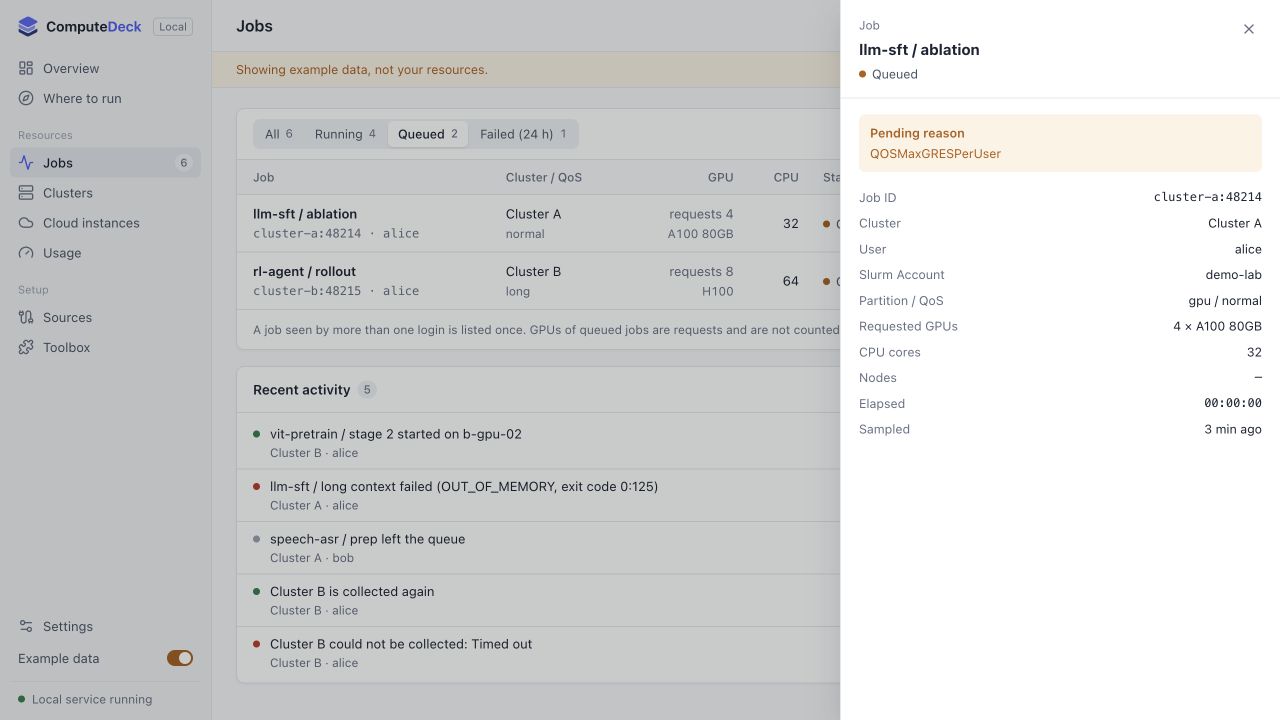
Inspect a queued job
Open a job to see its GPU request, account, QoS and the scheduler’s pending reason.
 ComputeDeck
Preview
A dashboard for jobs,
queues and GPUs.
Uses your SSH aliases and cloud accounts. No cluster administrator access needed.
macOS & Linux · Read-only collection · English & 中文
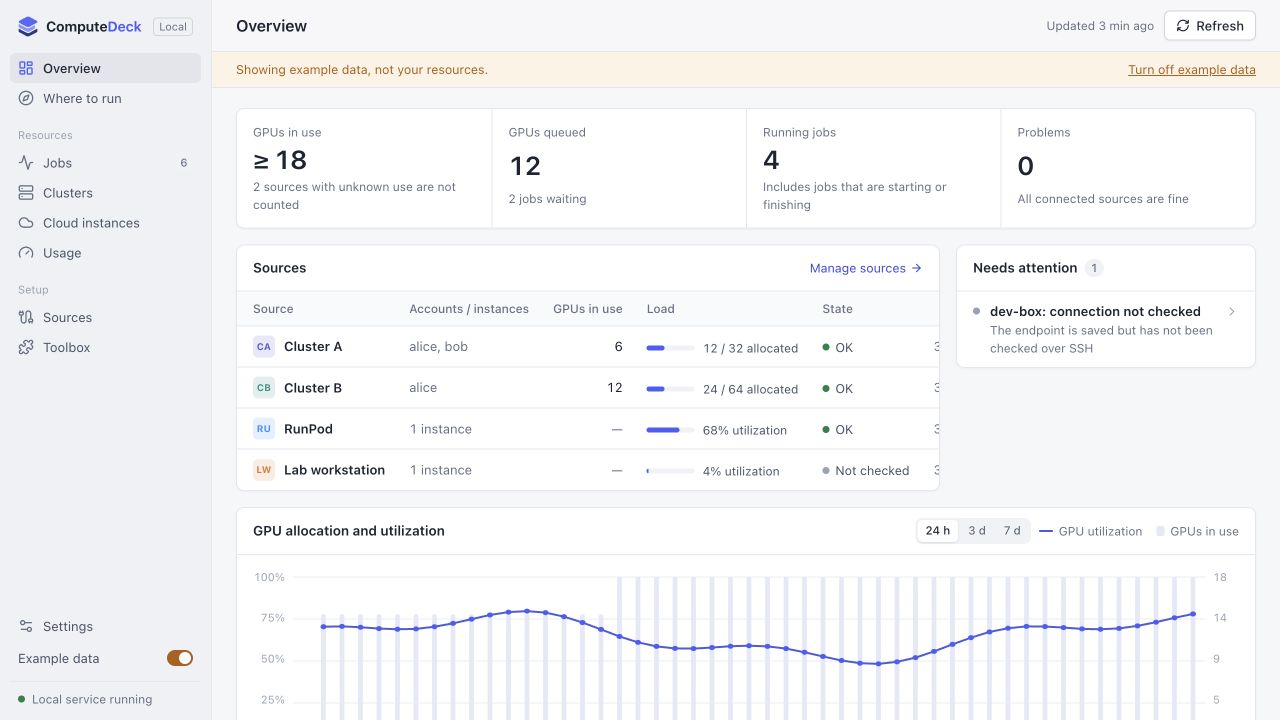
Overview → queued job → GPU options
Meet ComputeDeck. See your clusters and cloud GPUs in one place. Open a queued job to understand the wait. Then choose your GPU needs and compare capacity, permissions, and time limits. Read-only by default, with your existing SSH setup. This walkthrough uses example data.
Open a job to see its GPU request, account, QoS and the scheduler’s pending reason.
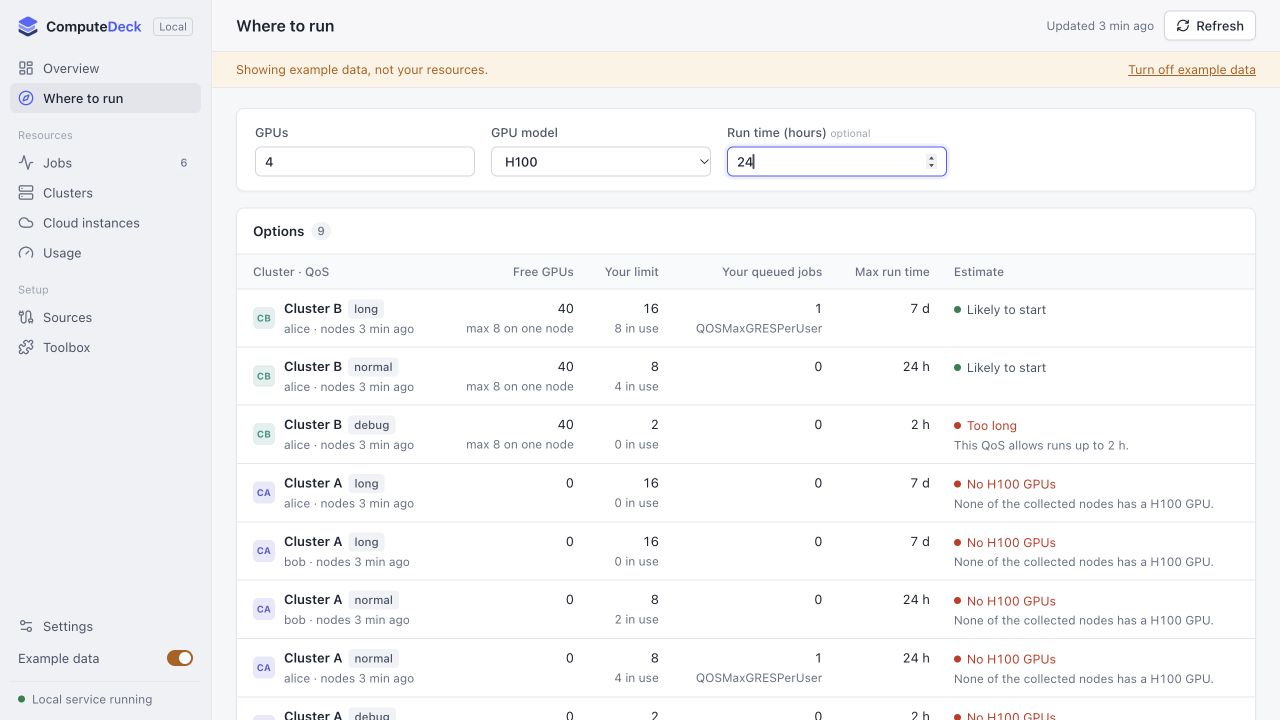
Enter a GPU model, count and run time. Compare visible capacity and verified QoS limits.
Estimates use the last collection. Reservations and priorities can still delay a job.
Collect on your laptop, or run on a server and connect through SSH.
Kubernetes, PBS, LSF and Vast.ai integrations are beta.